- What does it cost?
$0
Your first event
One event, up to 10 guests. Real templates, real RSVPs, real photo gallery.
$24
One event, one payment
Up to 150 guests, kept until thirty days after the event. No subscription.
$12
Premium, per month
Unlimited events, 250 guests each. Cancel any time.
A funeral, or a single wedding, does not need a subscription. The one-time option is there for exactly that, and plenty of hosts never move past it.
- Is this really for any kind of event?
- Fifty-four types ship today: weddings, funerals, quinceañeras, galas, sobriety anniversaries, naming ceremonies, pet memorials, wakes. Each one opens a template matched to its own tone, not a wedding theme in a different color.
- Do guests need an account to reply?
- No. A guest opens the link, chooses a response, adds an email only if they want a reminder, and is finished. Nothing to install, nothing to sign up for, nothing to remember.
- Is my data private?
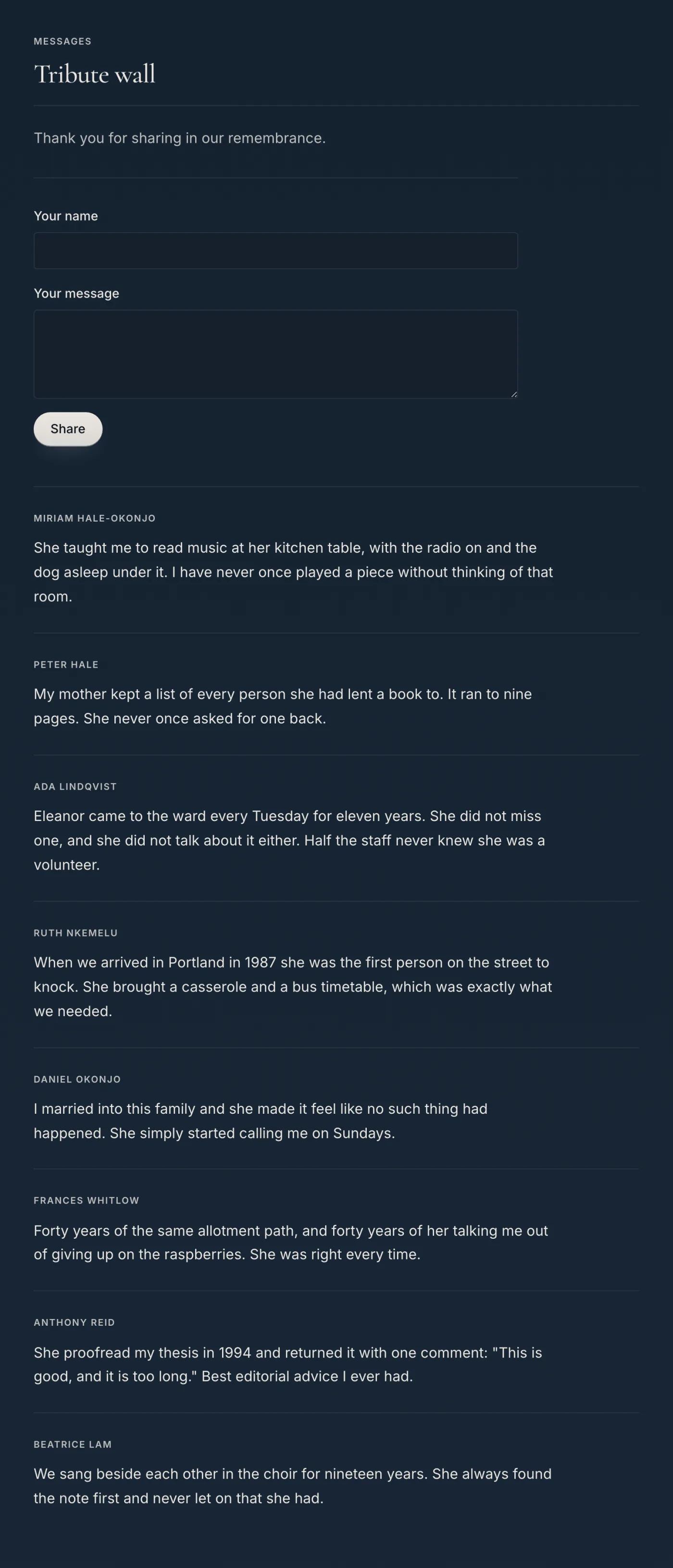
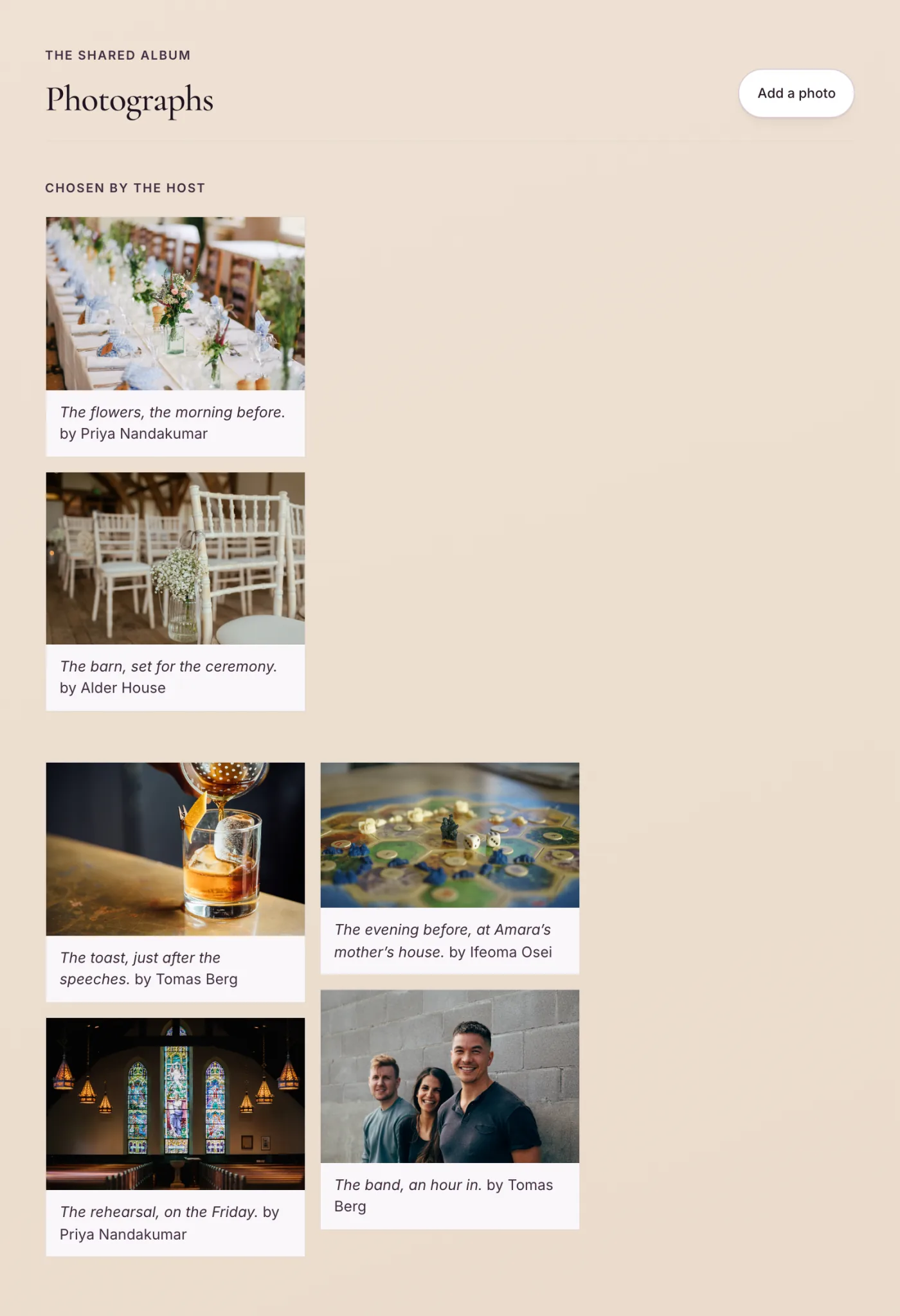
- Events are unlisted by default and reachable only by their link. You can also set an event to public, which lists it on Discover, or to invite-only, where the link works only for the guests you invited. Every photo and every tribute a guest posts waits for your approval before it appears, on every event, and there is no setting that turns that off. A guest can also blur the faces in a photo before uploading it, and the blurring runs in their own browser.
- What about people who cannot be in the room?
- Embed YouTube, Vimeo, Twitch, Zoom, Teams or Google Meet. Or run a production RTMP feed through Mux with automatic recording, so anyone who could not travel can watch on the day or afterwards.
- What if my guests do not all read English?
- Fourteen languages, including Arabic and Hebrew with full right-to-left layout. Translation is built in, so one page can serve a family spread across several languages.
- Can I raise money through the page?
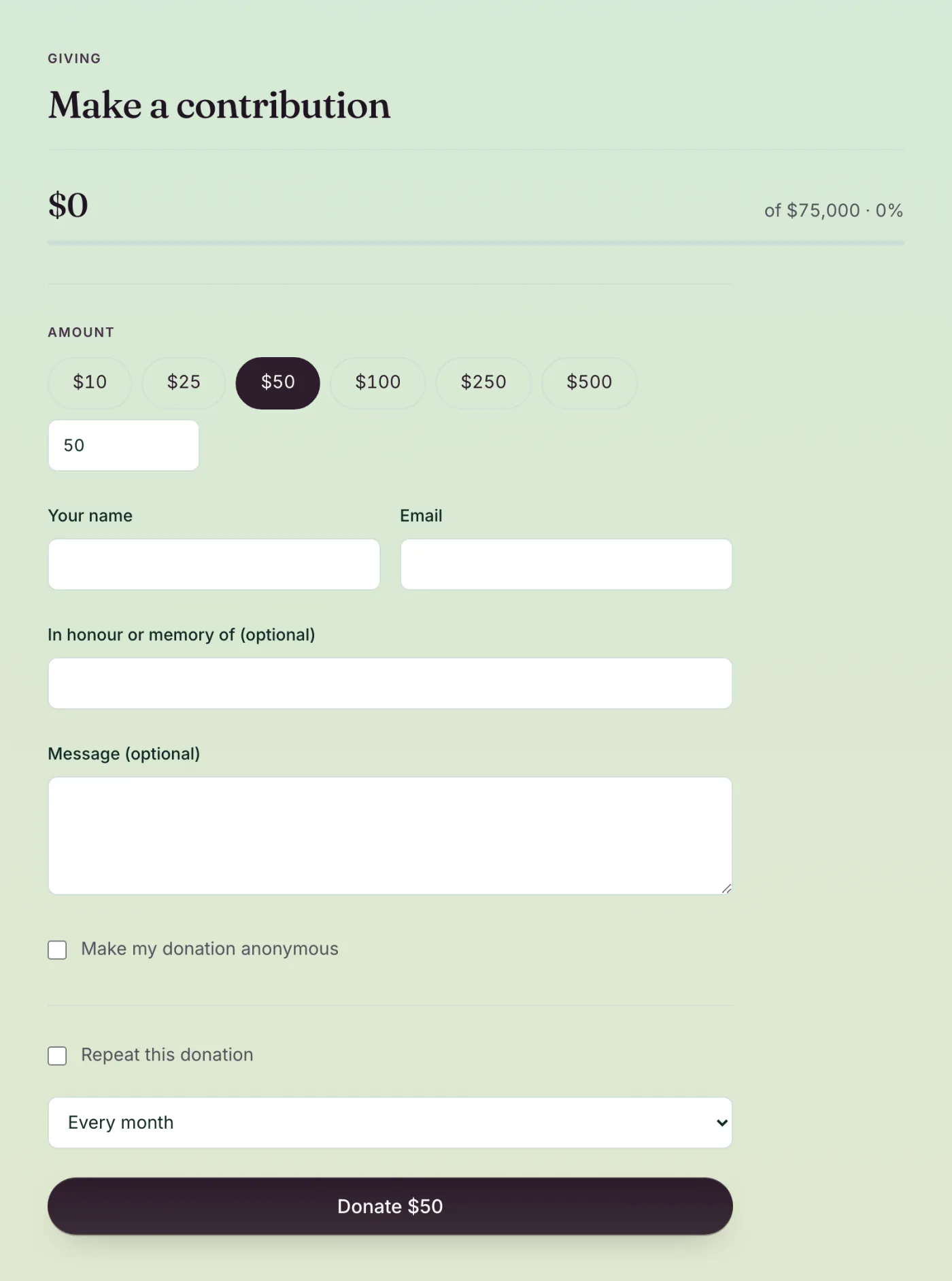
- Yes. One-time and recurring donations through Stripe, a donor wall with a progress bar against your goal, and a receipt emailed to every donor who leaves an address. The receipt carries the amount, the event and a receipt number, and says nothing about tax. Silent auctions run on the page too: guests bid, the minimum increment holds, and bidding stops at the time you set. You settle up with the winner yourself.
- What does the AI actually do?
- It writes first drafts: invitation copy, host messages, tribute prompts, thank-you notes, a starting seating chart, photo highlights. Those are drafts you edit, keep or delete. Its other actions are not: a saved recap publishes to your event page, an applied seating plan writes a table and seat onto every accepted guest, chosen highlights change what the public gallery leads with, and bulk thank-yous send live email. None of those asks first.